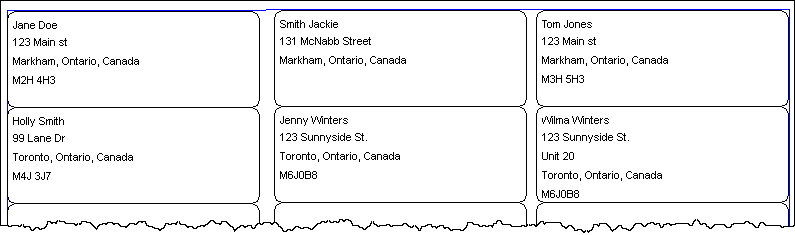
Patient Mailing Labels Report
The Patient Mailing Labels report provides address labels for all patients that have had activity during the specified report period. Therefore, if a patient had no activity, that patient will not be included on the report. The report includes the same patients as the Patient List for the same report period.
A patient is defined as having activity if prescriptions were filled during the report, or if prescriptions have a Performed On Date that falls within the report period. A prescription can have a Performed On Date that is different than the Fill Date if the prescription has status Amend, Amend Next, Cancelled, Hold, or Transferred.
The report can be generated for a Patient, Doctor, Drug, Third Party, Condition, Group, Custom Class and/or Therapeutic Class. Refer to the Patient List report for a description of the report criteria.
When Include Deceased Patients is selected in the Extended report criteria, the report includes deceased patients; the word *DECEASED* does not appear on the labels. When the checkbox is OFF, the report excludes deceased patients. The default setting for the checkbox is OFF.
To print the report directly on address labels, put Avery Address Labels #5260 in the printer. The report will appear similar to the following: